
Have you ever been frustrated by your smartphone battery dying right when you need it? You’re not alone! In fact, 41% of US smartphone users say longer battery life is their top priority. To keep your device running longer, you can adopt some effective strategies. Simple charging habits, adjusting settings, and avoiding battery drain can help you maximize smartphone battery performance. Let’s dive into these tips so you can enjoy the longest battery life possible!
Key Takeaways
Charge your smartphone between 20% and 80% to reduce battery stress and extend its lifespan.
Adjust your screen brightness and timeout settings to save battery power effectively.
Limit background app activity and manage notifications to minimize battery drain.
Use certified chargers and avoid fast charging to protect your battery health.
Regularly update your smartphone to benefit from performance improvements and battery optimizations.
Charging Habits to Maximize Battery Life

Best Times to Charge
To keep your smartphone battery healthy, you should pay attention to when and how you charge it. Here are some tips to help you optimize your charging habits:
Charge Between 20% and 80%: Aim to keep your battery level between 20% and 80%. Charging your phone fully or letting it drop to 0% can stress the battery. Lithium-ion batteries, which power most smartphones, prefer shallow charge cycles. This means that charging from 20% to 80% reduces stress and helps extend battery life. The last 20% of charging can be particularly taxing, as the battery has to work harder to accept a charge.
Avoid Overnight Charging: While it might be convenient to plug in your phone overnight, this practice can harm your battery’s health. Keeping your battery at 100% for long periods can weaken its ability to hold a charge. Instead, try to charge your phone during the day when you can monitor it.
Charge During Off-Peak Hours: If you can, charge your phone during off-peak hours when the temperature is cooler. Heat can negatively impact battery longevity, so keeping your device in a cooler environment while charging is beneficial.
Recommended Accessories
Using the right accessories can also help you maximize battery life. Here are some recommendations:
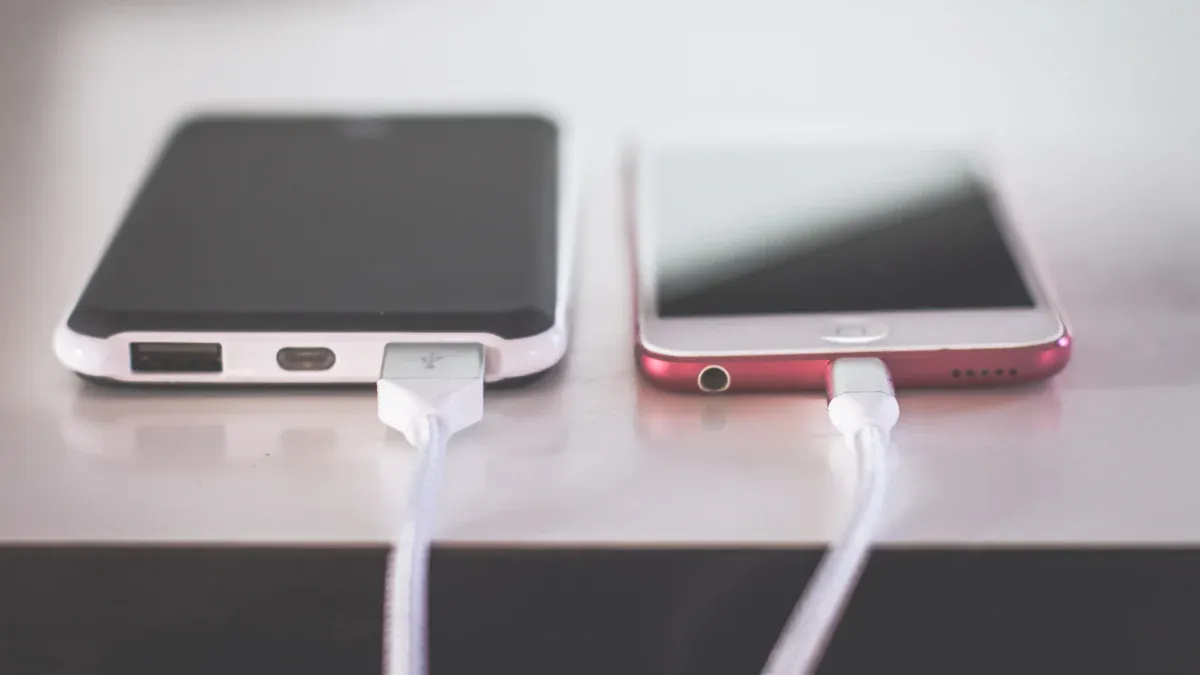
Certified Chargers: Always use chargers that are certified for your device. Non-certified chargers can cause overheating and damage your battery. They may lack safety features, increasing the risk of fire or electric shock.
Quality Power Banks: If you need to charge on the go, invest in a high-quality power bank. Look for one rated in milliamp hours (mAh). A smaller power bank (around 5,000mAh) is great for charging smartphones, while larger ones (over 25,000mAh) can recharge laptops and provide multiple charges for phones. Ensure that the power bank has safety features like Over Current Protection to prevent damage.
Avoid Fast Charging: While fast charging is convenient, it generates more heat, which can harm your battery over time. If your device has a feature to manage heat during charging, use it to help mitigate potential damage.
By adopting these charging habits and using the right accessories, you can significantly enhance your smartphone’s battery life.
Settings to Maximize Smartphone Battery
Screen Brightness and Timeout
Adjusting your screen brightness and timeout settings can make a big difference in your smartphone’s battery life. Here’s how you can optimize these settings:
Lower Your Brightness: Reducing your screen brightness can significantly extend battery life. You might find that lowering it to levels like 75%, 50%, or even 25% is often sufficient for usability while conserving power.
Auto-Brightness: Enable auto-brightness if your device has this feature. It automatically adjusts the brightness based on your surroundings, optimizing power consumption. This means your screen won’t be brighter than necessary, especially in low-light conditions.
Screen Timeout: Set your screen timeout to a shorter duration. If your phone stays on longer than needed, it drains the battery. A timeout of 30 seconds to 1 minute is usually enough to save power without being too inconvenient.
Here’s a quick look at how different brightness settings impact battery life:
Setting | Impact on Battery Life |
|---|---|
Display brightness | Lowering saves substantial battery, especially on OLED |
Auto-brightness | Optimizes power consumption based on light conditions |
Dark mode on OLED displays | Provides meaningful battery savings due to black pixels requiring no power |
Adaptive Battery Features
Many smartphones come with adaptive battery features that help manage battery usage intelligently. Here’s how you can take advantage of these settings:
Enable Adaptive Battery: This feature learns your app usage patterns and limits battery for apps you rarely use. By activating it, your phone can prioritize power for the apps you use most, extending overall battery life.
Use Dark Mode: If your device has an OLED screen, consider switching to dark mode. OLED screens illuminate each pixel individually, so when a pixel displays black, it turns off completely, consuming no power. This characteristic allows for significant energy savings when using dark mode, especially when large portions of the screen display true black.
Here’s a comparison of battery drain between light and dark modes on different devices:
Device | Screen Type | Theme | Battery Drain (2 hours) | Power Saving vs. Light Mode |
|---|---|---|---|---|
Samsung Galaxy S23 | OLED | Light Mode | 28% | — |
Samsung Galaxy S23 | OLED | Dark Mode | 19% | 32% reduction |
iPad Air (5th Gen) | LCD | Light Mode | 22% | — |
iPad Air (5th Gen) | LCD | Dark Mode | 20% | 9% reduction |
By adjusting your screen brightness, timeout settings, and enabling adaptive features, you can significantly enhance your smartphone’s battery life. These small changes can lead to longer usage times and less frequent charging.
Habits to Avoid Battery Drain
Managing App Usage
Managing how you use apps can significantly impact your smartphone’s battery life. Here are some effective tips to help you reduce battery drain:
Limit Background Apps: Many apps run in the background, consuming battery power without you even realizing it. To manage this, regularly check which apps are active and close those you don’t need.
Control Push Notifications: Frequent notifications can lead to increased battery usage. Consider turning off notifications for apps that you don’t use often. This small change can help save battery life.
Be Mindful of Location Services: Apps that use location services can drain your battery quickly, especially when running in the background. Only allow location access when the app is in use.
Check App Permissions: Manage sensor usage efficiently by activating them only when necessary. For example, request location updates only when the app is in the foreground. This can help you save battery life.
Reducing Background Activity
Reducing background activity is another key habit to adopt. Here’s how you can do it:
Enable Adaptive Battery: This feature learns your app habits and limits background activity for infrequently used apps. Users report an overall improvement of 25-35% in daily battery life after adjusting these settings.
Restrict High-Drain Apps: Identify apps that consume a lot of battery and restrict their background usage. This can lead to battery life improvements of 10-20%.
Turn Off Keyboard Sounds and Vibrations: Did you know that keyboard sounds and vibrations can impact battery life? Apple has acknowledged that enabling keyboard haptics might affect battery life. Consider turning these features off to save some power.
By adopting these habits, you can significantly enhance your smartphone’s battery life. Remember, every small change counts!
Maintaining Long-Term Battery Health
Regular Software Updates
Keeping your smartphone updated is crucial for maintaining battery health. Regular software updates often include optimizations that help reduce battery load. While you might notice a temporary battery drain after an update due to background tasks, this effect usually doesn’t last long. It’s important to remember that these updates can enhance your device’s performance and efficiency.
Here are some tips to keep in mind:
Stay Updated: Always install the latest updates for your operating system and apps. This practice ensures you benefit from improvements that can help your battery last longer.
Monitor Battery Usage: After an update, check which apps consume the most battery. Sometimes, an app may misbehave after an update, leading to excessive battery drain.
Battery Calibration Techniques
Battery calibration can help improve the accuracy of your battery percentage indicator. While modern smartphones don’t require calibration as much as older models, it can still be useful. Here’s how to calibrate your battery effectively:
Drain Your Battery: Use your phone until it powers off on its own.
Charge Fully: Plug it in and charge it to 100% without interruptions.
Repeat: If the battery indicator shows below 100%, keep it connected until it aligns with the actual charge.
Additionally, avoid exposing your phone to extreme temperatures. High heat can accelerate battery degradation, while extreme cold can cause reliability issues. Keeping your device in a moderate environment helps maintain its health.
By following these practices, you can ensure your smartphone battery remains healthy and performs well over time.
To keep your smartphone battery healthy and lasting longer, remember these key strategies:
Charge between 20% and 80% to avoid stressing the battery.
Adjust your screen brightness and timeout settings for better efficiency.
Manage app usage and reduce background activity to minimize drain.
By following these tips, you can significantly improve your battery life. Don’t forget, small changes can lead to big results! Start implementing these practices today, and enjoy a more reliable smartphone experience.
FAQ
What is the best way to charge my smartphone?
To maximize battery life, charge your phone between 20% and 80%. Avoid overnight charging, as it can stress the battery.
Does using dark mode really save battery?
Yes! Dark mode can save battery life on OLED screens by turning off pixels that display black. This feature reduces power consumption significantly.
How often should I update my smartphone?
You should regularly update your smartphone to benefit from performance improvements and battery optimizations. Check for updates at least once a month.
Can I use any charger for my smartphone?
No, always use certified chargers for your device. Non-certified chargers can overheat and damage your battery, leading to reduced lifespan.
What apps drain my battery the most?
Apps that use location services, streaming, and social media tend to drain your battery quickly. Monitor your app usage to identify and manage high-drain apps.