Battery Settings Made Simple.

Maintenance, optimization, troubleshooting, and battery basics, clear articles that actually help.

Categories

Battery Maintenance

Keep your battery healthy with proper care techniques.

Explore →

Battery Optimization

Maximize your battery life with smart settings.

Explore →

Battery Troubleshooting

Fix common battery issues with our guides.

Explore →

Battery Basics

Understand how batteries work and how to use them.

Explore →

Most Searched Problems

Battery draining fast

Learn more →

Phone overheating

Learn more →

Limit charge to 80%

Learn more →

Battery health check

Learn more →

Charging slow

Learn more →

Battery calibration

Learn more →

Why People Follow BatterySettings

Expert-Verified

Our content is reviewed by battery engineers and tech experts.

Actionable Advice

Step-by-step guides that actually work in real-world use.

Up-to-Date

We regularly update our content as battery tech evolves.

Balanced Perspective

No hype - just facts about what really impacts battery life.

Device-Specific

Tailored advice for iPhone, Android, laptops, and more.

Safety First

We prioritize safe charging and usage practices.

Heat is the #1 battery killer over time.

Avoid exposing devices to high temperatures during charging.

20–80% reduces long-term wear.

Partial charges put less stress on battery chemistry.

mAh isn't the full story.

Voltage and efficiency also determine real-world battery life.

Safety Essentials

Signs of a swollen battery

Recognize when your battery needs replacement.

Learn more →

Safe charging habits

Best practices for charging your devices.

Learn more →

Certified chargers

Understanding USB-C PD standards.

Learn more →

When to stop using

Signs your battery is unsafe to continue using.

Learn more →

Quick FAQ

While modern devices have protection circuits, regularly charging to 100% can accelerate long-term wear. For maximum lifespan, keeping between 20-80% is ideal.

Fast charging generates more heat, which can degrade batteries faster over time. Occasional fast charging is fine, but for daily use, slower charging is better for longevity.

A battery cycle is completed when you've used 100% of the battery's capacity, whether that's all at once or in smaller amounts that add up to 100%.

Overnight drain can be caused by background apps, poor signal strength, or system processes. Checking battery usage stats can help identify the culprit.

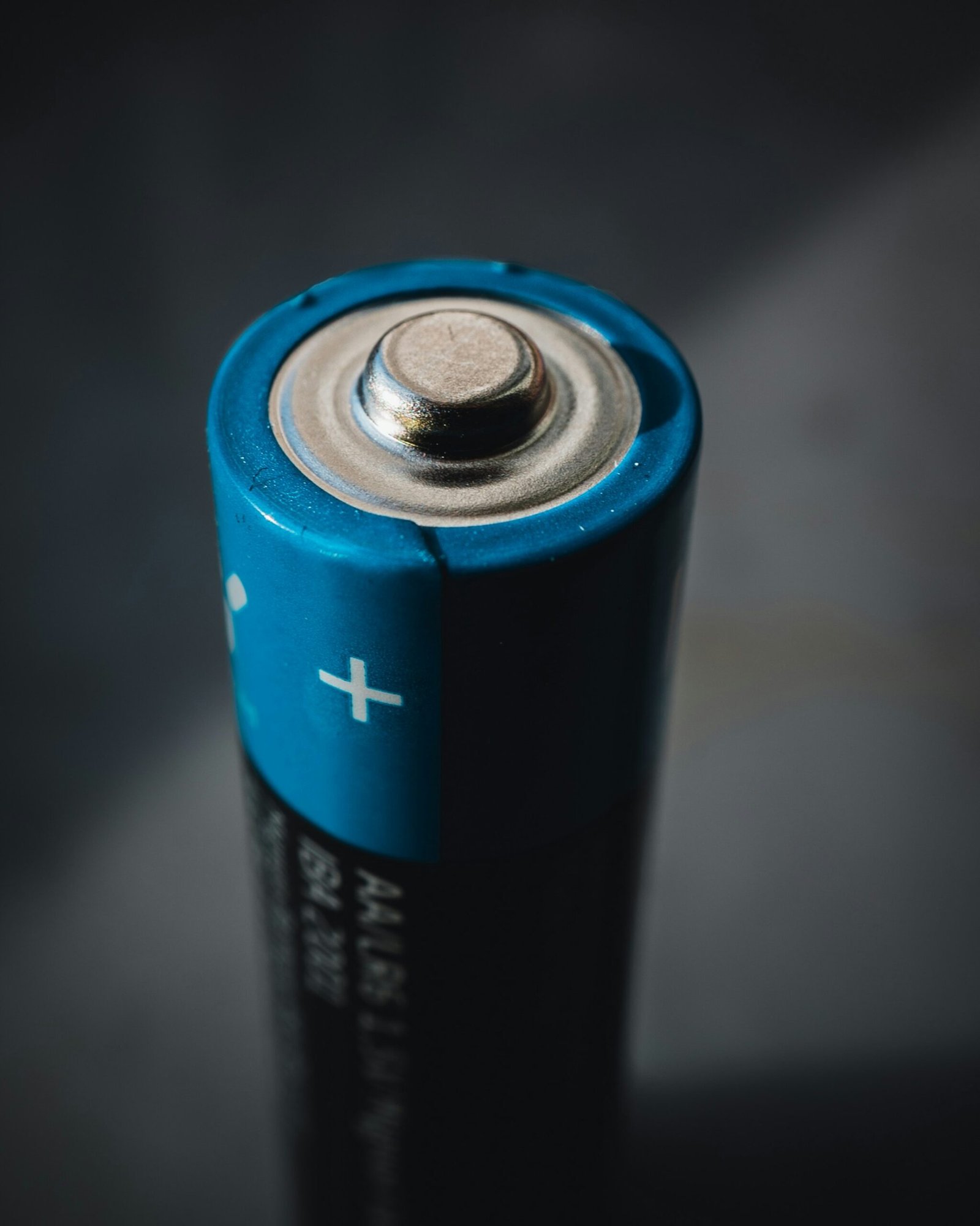
Start with a category or read what's new

BatterySettings is built for quick answers.